


Order Medicines on WhatsApp in 4 Steps (No App Needed)
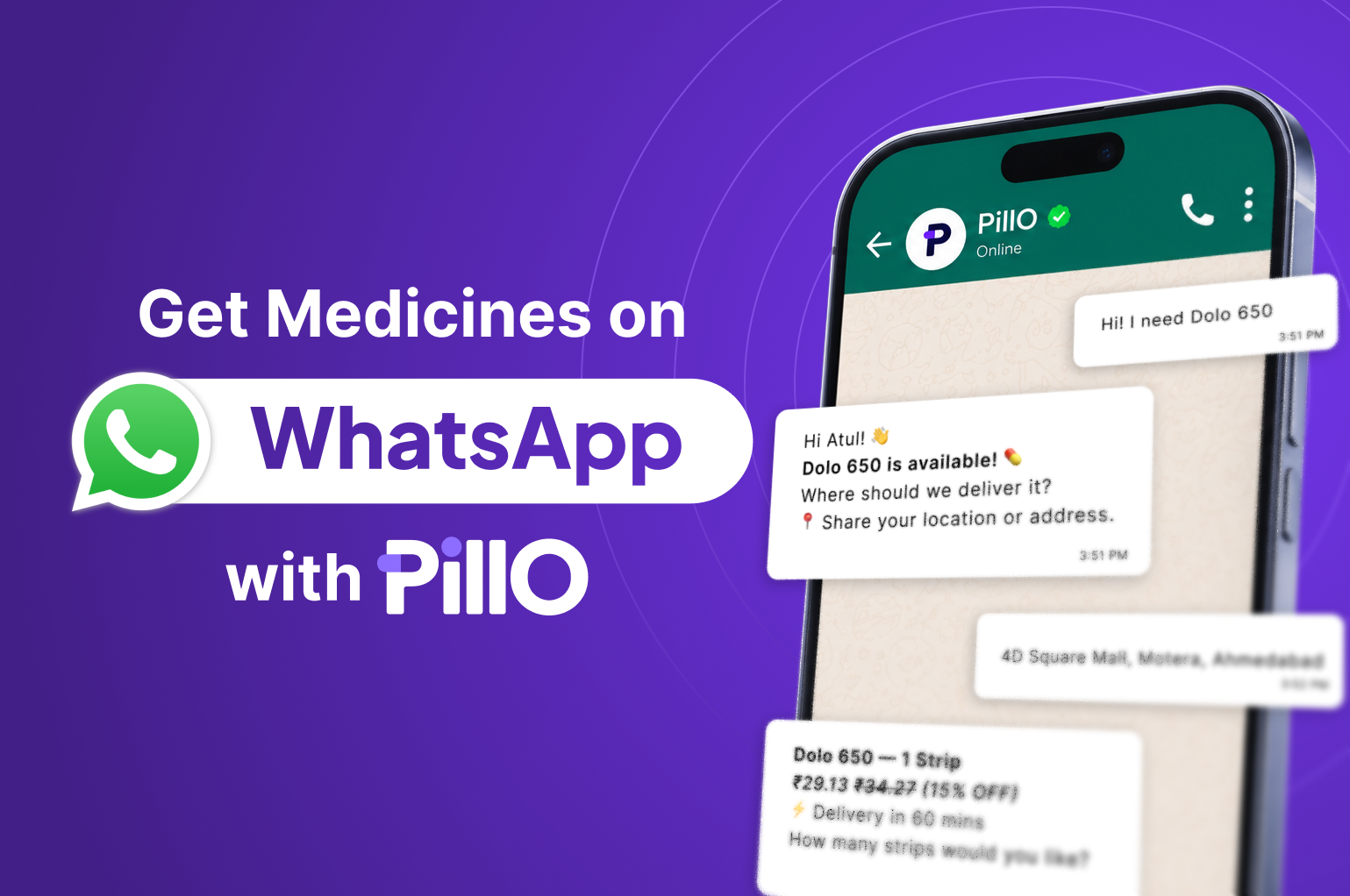
You can now order medicines from PillO right inside WhatsApp. Open a chat with PillO's official ordering number, +91 91110 13222, and say hi. The assistant asks where to deliver: pick a saved address if you have ordered before, or share a location pin. Then type the medicine name and number of strips, check your cart, and pay through a secure link. Your order is placed once the payment succeeds. No app download needed.
It is 10 pm. Your parent's blood pressure tablet is down to the last strip, the pharmacy at the corner has pulled down its shutters, and the thought of installing yet another app is the last thing you want to deal with.
So what do you do? You do what you already do all day. You open WhatsApp and send a message.
What Is WhatsApp Medicine Ordering?
WhatsApp medicine ordering, sometimes called a WhatsApp pharmacy, lets you buy medicines online by simply chatting. Instead of browsing a website or app, you message PillO's WhatsApp ordering assistant. It asks where to deliver, finds your medicine and its price, builds your cart and sends a payment link, all in the same chat.
New to PillO? Read why people use PillO for fast medicine delivery, or browse more health guides on PillO Talks.
How to Order Medicines on WhatsApp in 4 Simple Steps
Step 1: Open the PillO chat on WhatsApp
Tap +91 91110 13222, PillO's official ordering number, to open the chat and say hi. You can also simply type the medicine you need. Registered PillO users are greeted by name.
Step 2: Set your delivery location
PillO first asks where your medicines should be delivered, so it can show the best options and prices near you.
- Returning users with a saved address do not need to share a location again. Pick a saved address, or say "same as last time".
- New users, or users with no saved address, share a WhatsApp location pin of the exact delivery spot.
- Delivering to a different place? Share the location pin of that place instead. This also works for family in another city: send a pin of their location.
Step 3: Choose your medicine and quantity
Tell PillO the medicine you need. It shows the medicine with its price and delivery time, asks how many strips you want, and then shows your cart with a bill summary and the delivery address. If anything is wrong, including the address, you can change it before going ahead.
Step 4: Pay using the link, and your order is placed
PillO asks whether you would like the payment link, and only sends it once you confirm. The link is valid for 15 minutes. On the payment page you can add address details and apply coupons.
Payment is online only. Once it is successful, your order is placed and a nearby licensed pharmacy prepares it. You get WhatsApp updates until your delivery is completed.
Why WhatsApp Ordering Makes Life Easier
- No app to download. WhatsApp is already on your phone, and probably on your parents' phones too.
- Easy for parents and grandparents. Almost everyone in the family can send a WhatsApp message.
- No surprises. You see the price and bill summary before the payment link is sent.
- Fast. PillO shows "Get in 60 mins" on eligible medicines. Actual time depends on your location and the nearest pharmacy.
- Care from a distance. Order for family in another city by sharing their location pin and paying from your own phone.
- Trusted fulfilment. Orders are fulfilled by licensed pharmacies connected to PillO.
WhatsApp Ordering vs. Calling a Pharmacy vs. Using an App
| Feature | Order on WhatsApp (PillO) | Calling a local pharmacy | Pharmacy app |
|---|---|---|---|
| Needs an app download | No, uses WhatsApp | No | Yes |
| Order details in writing | Yes, in your chat | No, spoken only | Yes, in the app |
| See price and bill before paying | Yes, in the chat | Depends on the shop | Yes |
| Order for family in another city | Yes, share their location pin | Only if the shop delivers there | Yes |
Things to Know Before You Order
- Location pin: Delivery locations are set with a WhatsApp location pin, not a typed address or a maps link.
- Payment link: It is valid for 15 minutes, and payment is online only (no cash on delivery).
- Order confirmation: Your order is placed only after your payment is successful.
- Not medical advice: Do not self-medicate. Talk to your doctor or pharmacist about what is right for you.
Try It Today
Ordering medicines should feel as simple as sending a message to someone you know. With PillO's WhatsApp ordering, it finally does.
Tap here to order medicines on WhatsApp now, or explore everything we offer at mypillo.in.
Know someone who still runs to the pharmacy every time? Share this with them. It might be the easiest favour you do for your family this month.
Frequently Asked Questions
Open a chat with PillO's official ordering number, +91 91110 13222, and say hi. Choose a saved address or share a location pin for delivery, type your medicine and number of strips, review your cart, and pay through the payment link. Your order is placed once the payment is successful.